Sora
Sets the name in the logo and every heading: 600 for "scale", 430 for "chapter".
Growth you can read in the numbers.
- Regular 400
- Book 430
- Semibold 600
Brand book, last revised October 2026
Scale Chapter’s logos, colours, type and words in one place, each file one click away.
One zip holds the lot: each logo in SVG, PNG and WebP, and the social pictures too.
In this book
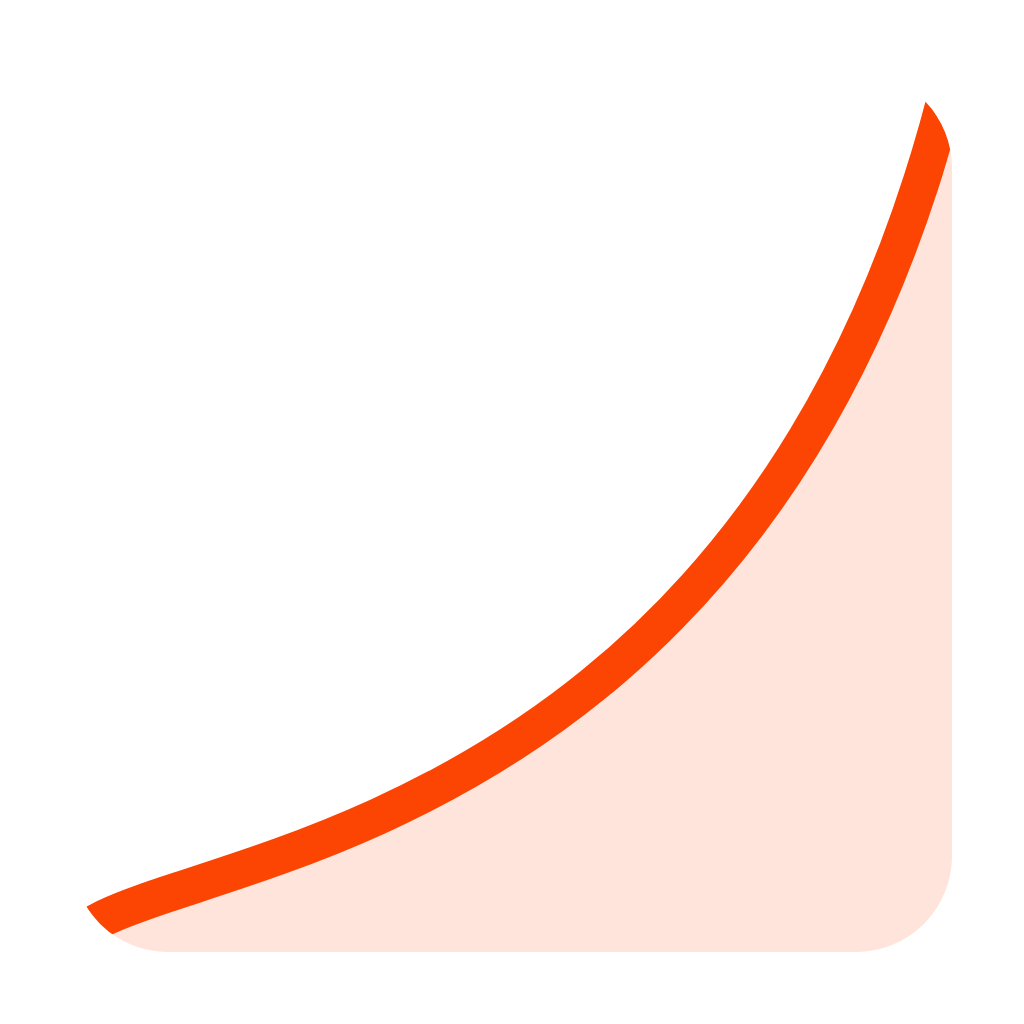
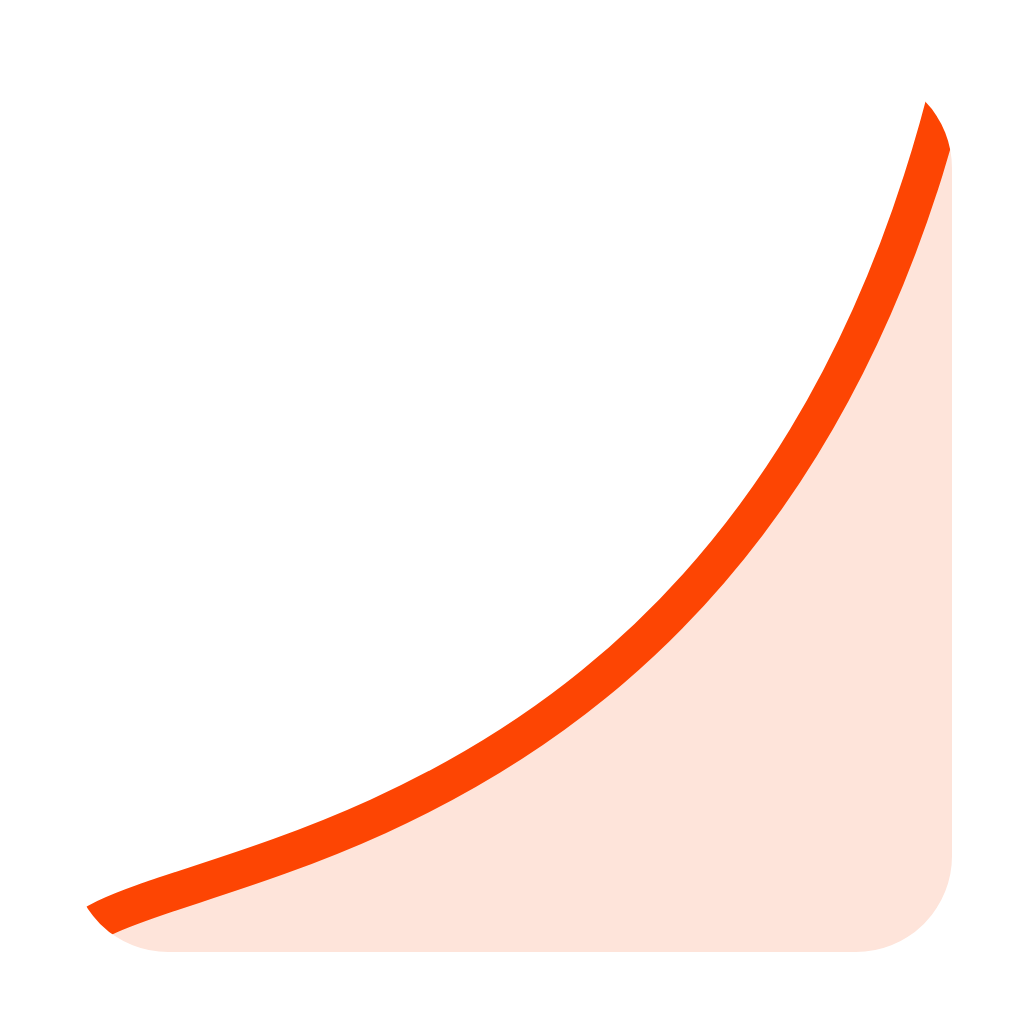
A square page with a curve rising across it: the next chapter of a brand’s growth, drawn as the line we work to bend upward. The full logo first, wherever there is room; the page mark alone for icons and tight spots.

Choosing a file: SVG scales to any size and suits print; PNG keeps a transparent background; WebP is the lightest choice for a web page.
Around the logo, leave at least half the mark’s width empty on every side.
A page of ink and white, the orange curve as the accent, blush for soft grounds.
#14181ARGB 20, 24, 26#FFFFFFRGB 255, 255, 255#FD4503RGB 253, 69, 3#DD6E3ERGB 221, 110, 62#FEE4DARGB 254, 228, 218Which text colour to set on each ground, and its contrast ratio. Body text needs AA, at least 4.5:1.
Sora sets the name and headings; Plus Jakarta Sans sets everything read, in every language we write in. Both are on Google Fonts.
Sets the name in the logo and every heading: 600 for "scale", 430 for "chapter".
Growth you can read in the numbers.
Running text, in every one of the eleven languages we write in.
Reklamlarınız ölçülür, raporlanır ve büyür.
The same files, set on a business card, in an email signature and on a company page.
www.scalechapter.comThe files are finished artwork: please use them unchanged, and ask us for anything missing.
The name in a sentence, and short and long descriptions for listings, directories and partners.
Scale Chapter, both words capitalised, when written in a sentence. The lower-case wordmark with its blinking cursor is the logo.
Scale Chapter is a performance marketing agency: paid search, paid social, creative and lead generation, measured in sales and reported every month.
Scale Chapter is a performance marketing agency working with brands in Türkiye and across Europe. It plans and runs Google, Meta and LinkedIn advertising, makes the creative behind it and builds lead generation, and judges every month by the sales and enquiries it brings, reported in plain words.
They are all here: the main logo, a white logo for dark grounds, a stacked logo, the name on its own and the page mark by itself. Pick SVG, PNG or WebP for each, or take the full zip to have every file at once.
The palette is Ink (#14181A), White (#FFFFFF), Chapter orange (#FD4503), Ember (#DD6E3E) and Blush (#FEE4DA). A page of ink and white, the orange curve as the accent, blush for soft grounds.
Two free Google Fonts: Sora and Plus Jakarta Sans. Sora — Sets the name in the logo and every heading: 600 for "scale", 430 for "chapter". Plus Jakarta Sans — Running text, in every one of the eleven languages we write in.
Scale Chapter, both words capitalised, when written in a sentence. The lower-case wordmark with its blinking cursor is the logo.
Please keep the files as they are, without distorting, recolouring, rotating or adding effects. The files are finished artwork: please use them unchanged, and ask us for anything missing.
Email hello@scalechapter.com. We answer directories, partners and the press, and can prepare a version you do not find here.

Pictures for every profile
Profile, square and cover pictures, each at the size the platform asks for.